
Hello there, I'm delighted to be over on the Spellbinders Blog today, sharing a step by step tutorial using the Magical Fuchsia 3D Embossing Folder from the Magical Fuchsia Collection by Alex Syberia. The products in this beautiful collection coordinate with each other, so there are stencils that colour in the embossing folder image, but for my card today, I decided to do something different!
PLEASE
NOTE: This post contains affiliate links. Please see below for my full
disclosure.

I embossed the Spellbinders Magical Fuchsia 3D Embossing Folder onto Spellbinders Violet ColorWheel Cardstock. I added ink blending around the edges of the panel using Hero Arts Grape Juice and Pitch Black Core Inks. I then dabbed Hero Arts Unicorn White Pigment Ink on top to highlight the embossed areas on the image. I added some splatter with Gold Pearl Paint and then hot foiled the sentiment from Spellbinders Magical Fuchsia Press + Foil Plate & Die Set.
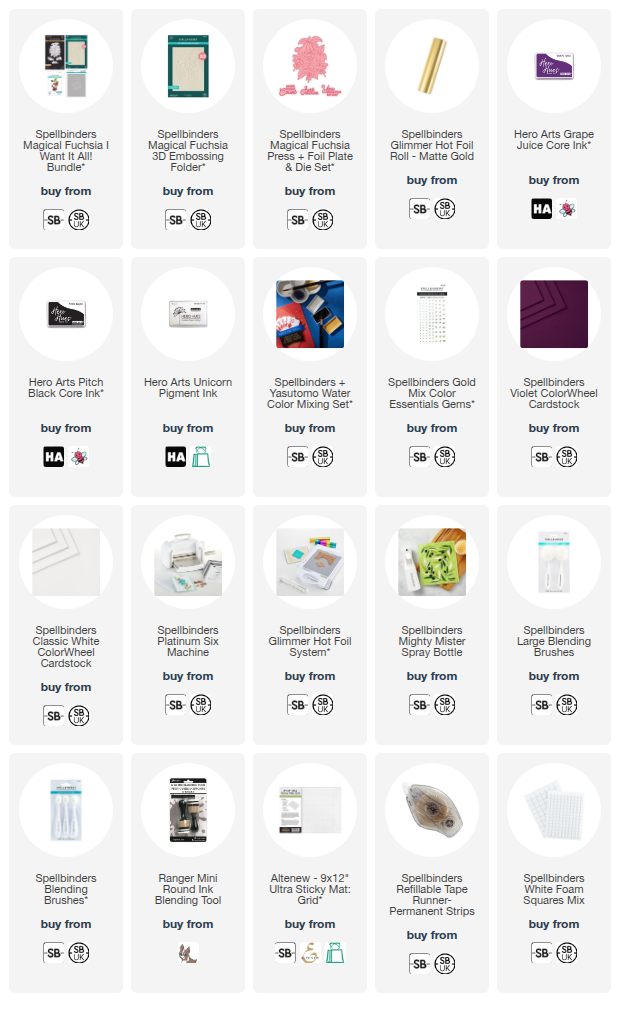
SUPPLIES:
Here are the links to
what I have used on the project. Affiliate
links are used on some products. This means that if you make a purchase after
clicking on my link, I receive a small commission with no extra cost to you. I
truly appreciate your support when using these links. Please click on the logo below
the product to shop at your favourite store. All products were personally
purchased except marked with an asterisk (*) which were kindly sent to me to
use. You can read my full disclosure here.
For more details on how I made the card, plus lots more photos, please head over to the Spellbinders Blog. Thank you so much for stopping by today, I really do appreciate it. I hope you have a wonderful day!
Beautiful card!
ReplyDeleteBeautiful card! ❤️
ReplyDelete